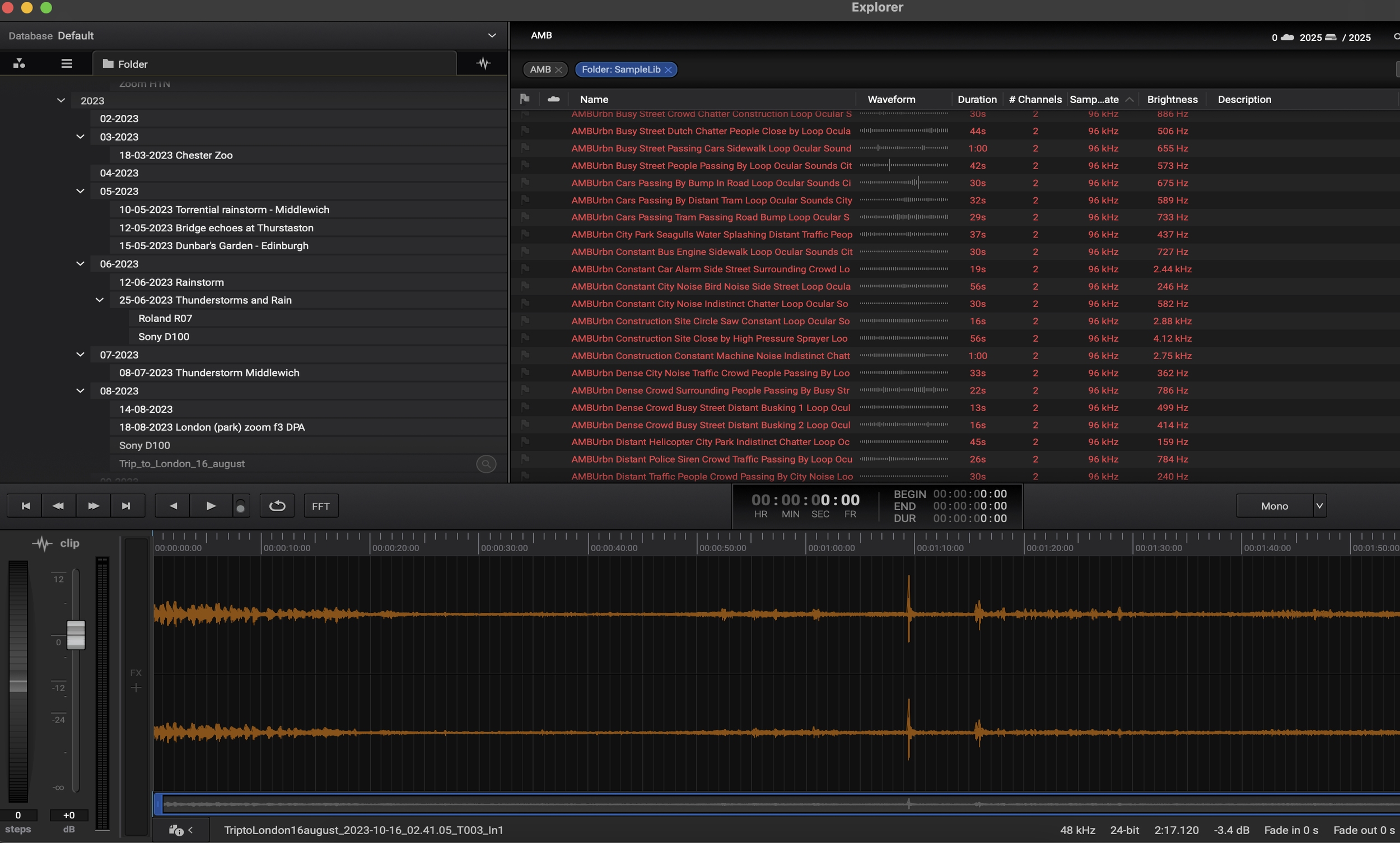
For those of us who are sound designers or field recordists, we all have tons of recordings which may or may not be well labelled or traceable once they get copied on to a hard drive. Being able to search, find and understand what a recording contains is a major requirement when working professionally, as a badly organised or unlabelled library becomes a veritable haystack from which you are trying to extract a needle! UCS offers a method which means you can easily work through your own and other professional sound libaries. Here is a practical introduction and how-to guide on what it is and how you can use it.
In most sound work, whether you’re creating field recording libraries, building sound effects archives, or preparing material for a production workflow, it can sometimes feel that the naming and organising of files is often more challenging (and frustating) than recording or designing the sounds themselves. Without a standard (even one of your own, such as the one I used for many years), one person’s “Metal Hit 01” becomes another’s “Clang_Heavy” or “FX_Bang_Metal” ….or even worse ZM665REC2323.wav. Therefore searching across libraries, even those with some level of categorisation can quickly become chaotic. This is where the Universal Category System (UCS) comes in.
So what is UCS?
The Universal Category System is a public, open framework for naming and classifying sound effects. It was originally developed in 2017 by a large group of sound design including Tim Nielsen with the support from industry including the likes of Skywalker Sound and Boom Library.
At a basic level , UCS provides:
A shared vocabulary for sound categories: With over 1,600+ category terms, from “AIR” (air) to “WOOD” (wood), which have been well thought out and incorporate sub categories for greater granularity when searching .
A naming convention: For example “CatID_FXName_CreatorID_SourceID.wav”.
A searchable standard: this is the key part as it makes it easier to browse, sort, and share sounds across individuals, products, teams, and companies.
UCS is now starting to become widely adopted in professional sound design, with many sound effect publishers starting to use it in their releases and there becoming an expectation to see files labeled in this manner. So it seems a good time to get on board and start using it, especially for all your new recordings. Labelling files retrospectively is certainly worth doing, but can be very time consuming. I tend to relabel older files in my library when I use them the next time.
So why does UCS matter?
Very simply, USC matters as an approach as it gives sound designers (even solo designers) and field recordists the following across their library of sounds:
Consistency: Every filename uses the same language, which helps with clarity across a library and also potential duplication.
Searchability: This is the key factor when searching for file, as you can quickly find “WOOD_Creak_Door” without guessing how someone else named it, and also have a rough idea of how it may sound.
Scalability: By adpoting UCS it makes it easier for your library to grow without collapsing under inconsistent labels and unknown files.
Interoperability: UCS-compliant libraries are easily integrated into databases, DAWs, and asset managers such as SoundMiner, Sound Particles Explorer etc.
In short, UCS allows your sound library to work like a professional archive, rather than a chaotic jumble of guesswork (like mine was!).
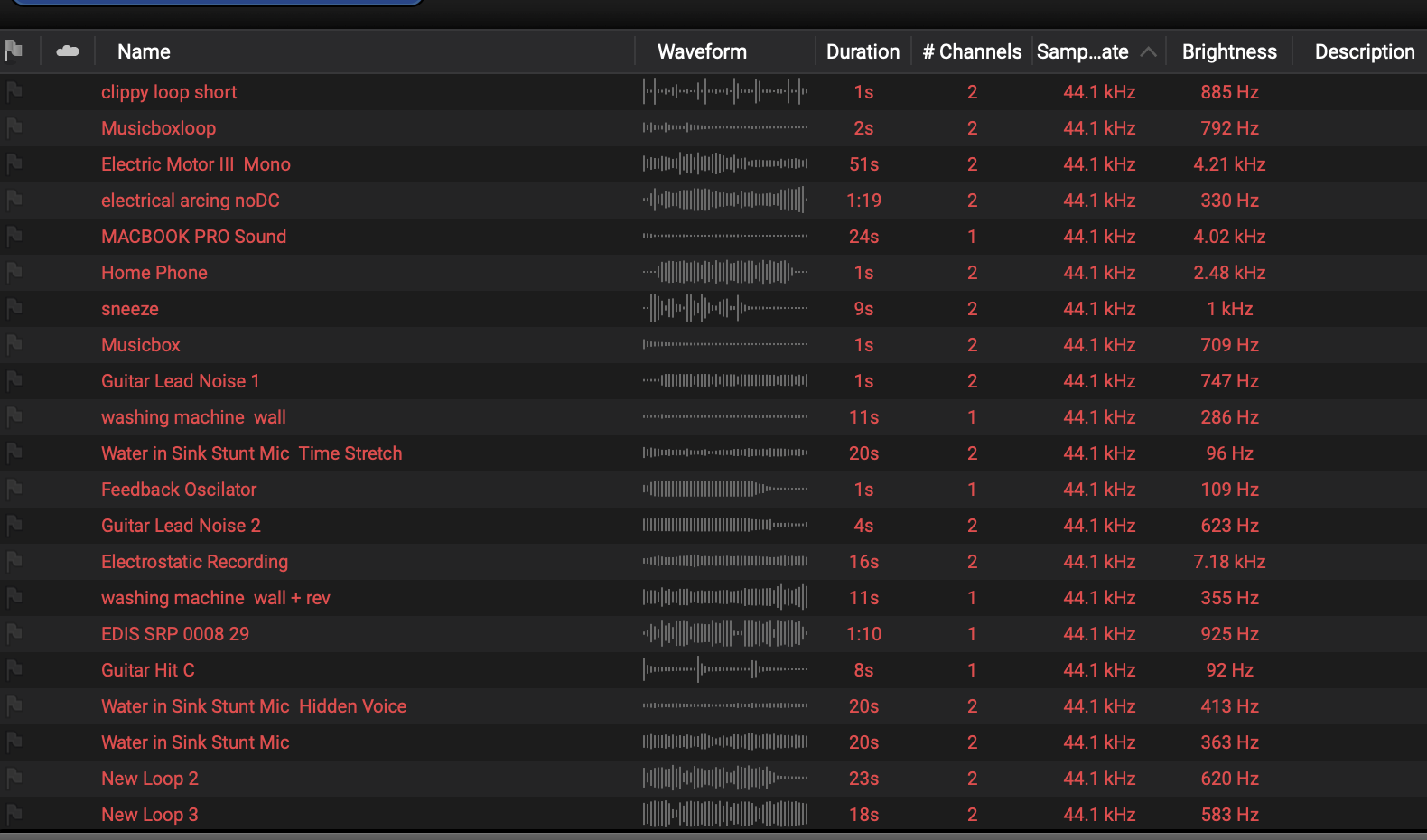
My unordered sound library without good descriptions (but at least I have labelled the files!)
How to getting Started with UCS
1. Download the UCS List
Visit universalcategorysystem.com to access the official spreadsheet of categories, as well as downloading some of the help resources and labelling tools. The category spreadsheet is your roadmap to file labelling, so it is important to browse it to familiarise yourself with the hierarchy. I also use UCSRenamer quite a lot on my library.
2. Understand the Structure
A basic UCS filename typically follows this pattern:
CatID = Abbreviated Category/Subcategory High-level code (e.g.,
AMBfor ambience,FOLEYfor foley).FXName = BriefDescription or Title, i.e. more specific context (e.g.,
RoomTone).CreatorID = SoundDesigner, Recordist or Vendor
SourceID = Project, Show or Library name
However I tend to use more detail from the standard, and use some of the following
UserCategory = An extension of the CatID which I used for things like microphone type, method, weather, perspective etc.
VendorCategory = An extension to the FXName block which I either use for a library specific category, or for a library specific project or for location..
UserData = I often use this for a unqiue ID number (if there are multiple sound which are similarish) guaranteeing that the Filename is unique., but also for any aditional info on Mic type/make, the date and also the sample rate (probably over kill but I like to see it in a filename)
Here is an example from my library - AMBPubl-Bin_EA_Deansgate, Manchester, Ambience, Door slams, conversation, cars driving on cobbles_NSB_WS_OKM-4424_01-11-06.wav
3. How to Apply UCS to Your Library
For all files you ingest into your library try where possible to rename files following the UCS structure as you go through them from the recorder (or as you make them in a sound design process)
Try grouping sounds into categories and subcategories as you process them, as this can make the naming/renaming process easier, especially if you automate a script.
Use batch renaming tools (like Soundminer, Basehead, or ReNamer) to speed up the process.
4. Future-Proof Your Metadata
It is also worth noting that UCS isn’t just about filenames, it allows you to think about and also tag your files with metadata and alight it with the metadata fields in sound database software. If you start embedding UCS category data into your files and at the same time adding to the file’s metadata, this will ensures long-term compatibility for your sound elements. plus make them stand out in a search
5. Be Realistic!
Honestly, unless you have a lot of time (or a compulsion for completeness like me), don’t feel you must rename your entire back catalogue in one go (or at all). I really recommend starting with new projects, and then perhaps gradually migrate older libraries. I believe that UCS is a framework for real-world flexibility, not rigid perfectionism.
Final Thoughts
Okay, I know it, this is possibly the least sexy post out there, and that the Universal Category System isn’t exactly fun or glamorous, but I feel that it’s one of the most powerful tools for sound professionals to be using with their files. Like with all categorisation systems, it is not infallible and missing some elements, but the team are extremely proactive in updating and adding to it. Also, by using a shared vocabulary, you save time, reduce frustration, and make your sound library future-proof. Whether you’re a freelance recordist, a post-production editor, or a library publisher, adopting UCS is an investment in efficiency and professionalism. I would argue that as sound libraries grow and AI-based search tools advance (bah), a consistent system like UCS ensures your work remains accessible, organised, and valued.